MkDocs
Create New Project
- Project Name can be anything
- Project can be private
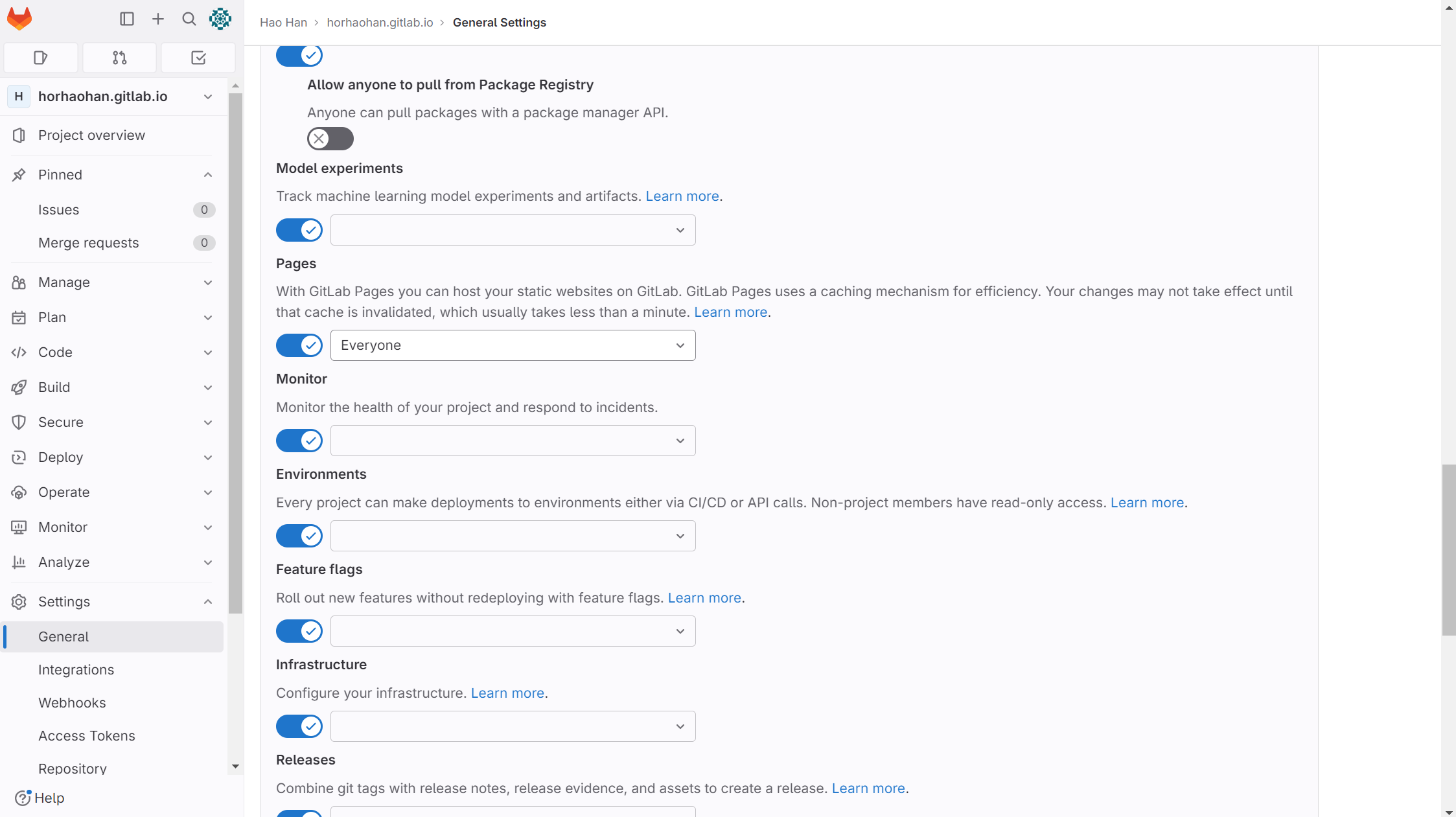
- After project creation check setting and ensure pages is set to everyone
- Rename the project to
username.gitlab.io
Step 1, Create docs directory at root
- All MD should be store in the docs file
Step 2, Create mkdocs.yml at root level
site_name: HHH Docs
site_description: HHH personal notes
site_author: Horhh
site_url: https://horhaohan.gitlab.io
site_dir: public

nav:
    - Home: index.md
    - Python: Python/Python.md
    - Linux: Linux/Linux.md
    - Wordpress: Wordpress/Wordpress.md
    - Others: Others/Others.md

theme:
    name: material
    features:
        - navigation.tabs
        - navigation.tabs.sticky
        - navigation.instant
        - navigation.tracking
        - navigation.top
    palette:
        - media: "(prefers-color-scheme: light)"
          scheme: slate
          primary: black
          accent: amber
          toggle:
              icon: material/lightbulb
              name: Switch to light mode

        - media: "(prefers-color-scheme: dark)"
          scheme: default
          primary: black
          accent: white
          toggle:
              icon: material/lightbulb-outline
              name: Switch to dark mode

markdown_extensions:
    - admonition
    - codehilite
    - sane_lists
    - pymdownx.highlight:
        anchor_linenums: true
    - pymdownx.inlinehilite
    - pymdownx.snippets
    - pymdownx.superfences
    - toc:
        permalink: "#"
- Nav is to set the navigation bar
- Under Theme to adjust the theme looks
- Change Site URL
Step 3, Created all the neccessary md files
- Create subfolder in
docs if needed as per the nav from previous step
Step 4, Create .gitlab-ci.yml
- This part is the CI CD part
- Uses python image
- Every Commit will activate this script and rebuild the website
image: python:3.8-buster

before_script:
  - pip install -r requirements.txt
  - pip install mkdocs-material

test:
  stage: test
  script:
  - mkdocs build --strict --verbose --site-dir test
  artifacts:
    paths:
    - test
  rules:
    - if: $CI_COMMIT_REF_NAME != $CI_DEFAULT_BRANCH

pages:
  stage: deploy
  script:
  - mkdocs build --strict --verbose
  artifacts:
    paths:
    - public
  rules:
    - if: $CI_COMMIT_REF_NAME == $CI_DEFAULT_BRANCH
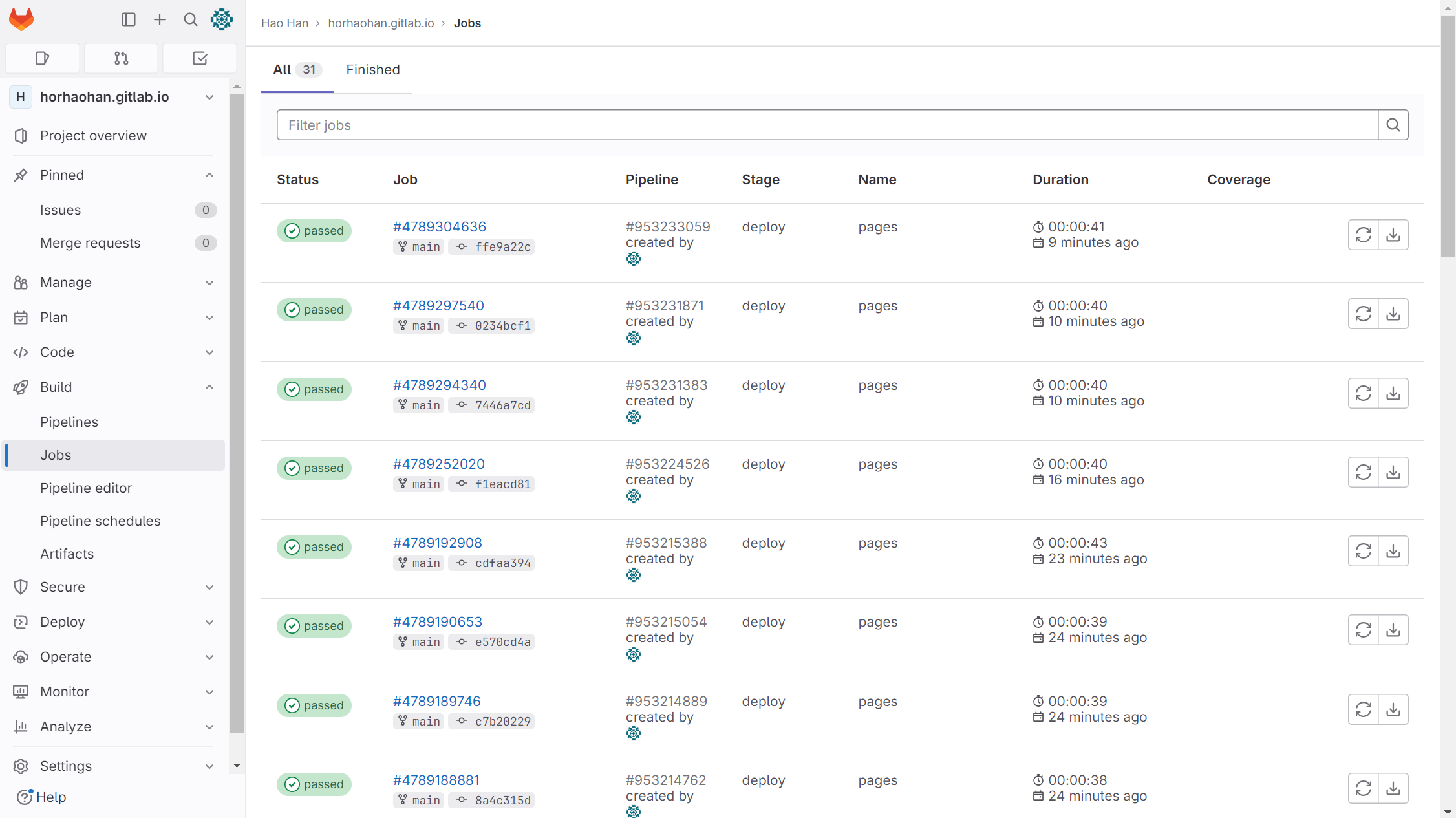
Step 5, Check if Job is Successful
- Build > Jobs
- Click the status to show the console log